Free vs. Premium Media Kit Templates: What's Worth Paying For in 2026?
Free templates look appealing on the surface — but the hidden costs add up fast. An honest 2026 comparison with real numbers and a clear recommendation.
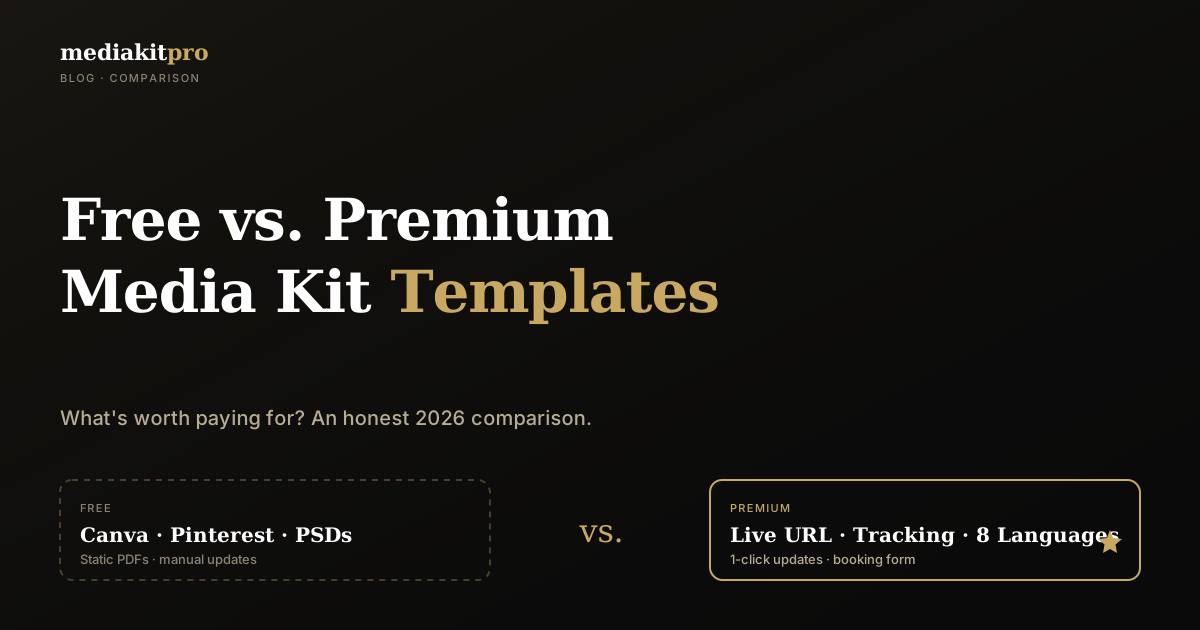
If you searched "free media kit template," you're in good company — it's one of the most common Google searches in the speaker, coach, and influencer world. The thinking is reasonable: why pay if you can get it for free? But the answer isn't as simple as "free is fine."
In this article we compare the four most common free routes (Canva Free, Pinterest PSD downloads, Notion templates, generic Word templates) against premium SaaS solutions. Honestly, with real numbers, and a clear recommendation at the end. The TL;DR: free works for one-off use, but the hidden costs of free templates exceed premium pricing within 6 months for anyone actively booking gigs.
What you mean by "media kit template" — and what you actually need
When you search "free media kit template," you're usually picturing one of three things:
- A PDF template to fill in (Canva, Word, PowerPoint)
- A web template (Notion, HTML/Webflow) you self-host
- A structural example to copy
What you actually need is different: a marketing asset that produces booking inquiries. The template is just the means. If the template stops you from updating regularly or building tracking, it's a bad template — no matter how pretty.
With that in mind, let's go through the free options.
Free media kit templates — the 4 most common sources
1. Canva Free
By far the most popular. Canva has 200+ speaker and coach media kit templates, many usable on the free plan.
Strengths:
- Visually high-quality designs
- Easy drag-and-drop editing
- Many templates ready to use
Weaknesses:
- Premium templates require Canva Pro (~$13/month)
- PDF export sometimes carries a watermark on free plan
- Static result: every change means re-export and re-send
We dedicated a full step-by-step Canva guide with the practical drawbacks — read it before you start.
2. Pinterest PSDs
Pinterest is loaded with "free media kit template" pins. About 80 % lead to Etsy product pages (so not actually free) or designer portfolios with a free taster.
Strengths:
- Massive style inspiration pool
- Some designers genuinely give older templates away
Weaknesses:
- PSD requires Photoshop (not a free tool)
- Most are influencer-focused with US assumptions (engagement rates over speaking topics)
- No standard structure — each template different
3. Notion / GitHub HTML templates
Tech-friendly users find Notion duplicate templates and GitHub HTML/Markdown speaker profiles.
Strengths:
- 100 % free and open
- HTML templates fully customizable
- Notion is live online, not static
Weaknesses:
- HTML templates need hosting (Netlify, Vercel, GitHub Pages)
- Notion media kits look very Notion (no real branding)
- Booking forms? Press photo downloads? Multilingual? Nothing comes packaged
- Updates yes — but everything manual
4. Generic Word/PowerPoint templates
Microsoft and platforms like Slidesgo offer free speaker PowerPoint templates.
Strengths:
- Free if you already have Office
- Print-ready, exportable as PDF
Weaknesses:
- Look like a 2008 job application
- Completely static — no live functionality
- Zero SEO, no tracking, no link-building
Free vs. Premium templates: the head-to-head
| Feature | Free Template | Premium Tool (e.g. mediakitpro) |
|---|---|---|
| Cash cost | $0 | $0–27 / month |
| Live URL (your own subdomain) | No (except Notion) | Yes, custom slug |
| PDF export | Yes (watermark on free Canva) | Yes, with your branding |
| Updates | Manual, re-export each time | 1 click, instantly live |
| Booking inquiry form | No | Yes, integrated |
| Press photo downloads | No (ZIP via Wetransfer) | Yes, 1-click per photo |
| Multilingual | Duplicate file = double maintenance | Built-in language toggle (8 languages) |
| Tracking (who opens?) | No | Yes, live view counter |
| SEO optimization | None (PDF in attachment) | Schema.org, hreflang, OG images |
| GDPR compliant | Unclear (US tools) | Yes, EU hosting available |
| Booking inbox | No | Yes (Premium plan) |
| Maintenance time | ~30 min per update | ~1 min per update |
The 5 hidden costs of "free" templates
1. Time cost to build
Filling a free Canva template properly takes 4–8 hours of focused work. At a $60/hour rate, that's $240–480 in hidden time costs. More than a year of premium SaaS subscription.
2. Update costs over time
Every new press quote, reference, or fee change means:
- Open file
- Edit content
- Re-export PDF
- Email it to all booking contacts
- Hope the old version isn't still circulating
Realistic: 30 min per update, 6–10 updates per year = 5–6 hours of yearly maintenance.
3. Tracking blindness
When your PDF goes out by email and gets forwarded, you have no idea who opens it, when, or whether it's read. With a live URL you see views, sources, time on page. That's not a "nice to have" — it's the foundation for any optimization. Without tracking, you optimize blind.
4. Missing inquiry form
A PDF can't capture a request. Event organizers must read your PDF, then write a separate email, then wait for you. Lost conversion per missing form: easily four-figure deals annually. An integrated form drops the friction dramatically.
5. Brand damage from outdated content
"Last reference: 2022" on a media kit you send in May 2026 is worse than no media kit at all. Free templates have no reminder system or update workflow — you have to discipline yourself. Most don't.
When premium actually pays off
Premium isn't for everyone. Honest line:
Free template is fine if:
- You're applying once and won't update again
- You don't expect inbound booking requests
- You're tech-savvy enough to maintain HTML/Notion yourself
- Your hourly rate is under $30 (then 8 hours DIY = $240 < $156/year Pro plan)
Premium pays off if:
- You get more than 5 inquiries/year
- You communicate in multiple languages (English + something)
- You actively maintain and develop your media kit
- You want tracking (who opens, where the traffic comes from)
- Your hourly rate is over $40 (time costs dominate immediately)
- You need GDPR compliance (B2B clients ask about this!)
If you're unsure whether DIY or a paid solution makes more sense, we wrote an honest cost comparison with three personas.
What premium tools like mediakitpro actually deliver
A concrete look at mediakitpro's free plan (costs $0, no credit card needed):
- Custom live URL:
mediakitpro.app/p/your-name - Bilingual EN+DE in the free tier
- Up to 3 speaking topics, 2 press quotes, bio, photo, social links
- PDF export without watermark
- EU-hosted, GDPR compliant
- Live in 10 minutes — no design skills required
Pro plan ($13/month) adds:
- All 8 languages (EN, DE, ES, FR, PT, IT, NL, PL)
- Unlimited speaking topics, press quotes, packages
- Booking analytics
- Press photo gallery
- FAQ for organizers
- Showreel + video embeds
Premium plan ($27/month):
- Booking inquiries land directly in your dashboard inbox
- Booking inbox analytics
- Premium PDF templates
See it live without signing up.
The honest verdict and what to do next
The truth: A free template works for one-off applications without follow-up bookings. As soon as you want regular inquiries, regular maintenance, or multilingual outreach, the hidden costs of free quickly exceed the premium price.
Three clear recommendations:
-
Never had a media kit and want to start fast? A premium tool's free plan (e.g., mediakitpro Free) gets you online in 10 minutes. Costs $0, lets you update easily, and if you ever upgrade your content stays.
-
Already have a PDF media kit and rarely get inquiries? Leave it. Invest the time in other marketing levers.
-
Want regular bookings and currently sending PDFs? Switch. Every PDF you send loses conversion power, and competitors with live URLs are winning the inquiries you're missing.
Before deciding, check what actually goes into a professional media kit — see the ultimate 2026 checklist with 18 must-have sections. That tells you what your template needs to deliver, free or premium.
Want to start now? Free plan, no credit card, 10 minutes.
On this page (16)
- What you mean by "media kit template" — and what you actually need
- Free media kit templates — the 4 most common sources
- 1. Canva Free
- 2. Pinterest PSDs
- 3. Notion / GitHub HTML templates
- 4. Generic Word/PowerPoint templates
- Free vs. Premium templates: the head-to-head
- The 5 hidden costs of "free" templates
- 1. Time cost to build
- 2. Update costs over time
- 3. Tracking blindness
- 4. Missing inquiry form
- 5. Brand damage from outdated content
- When premium actually pays off
- What premium tools like mediakitpro actually deliver
- The honest verdict and what to do next
Visibility tips, delivered to your inbox
One actionable tip every 2 weeks for speakers, coaches and consultants. Unsubscribe anytime.
You might also like
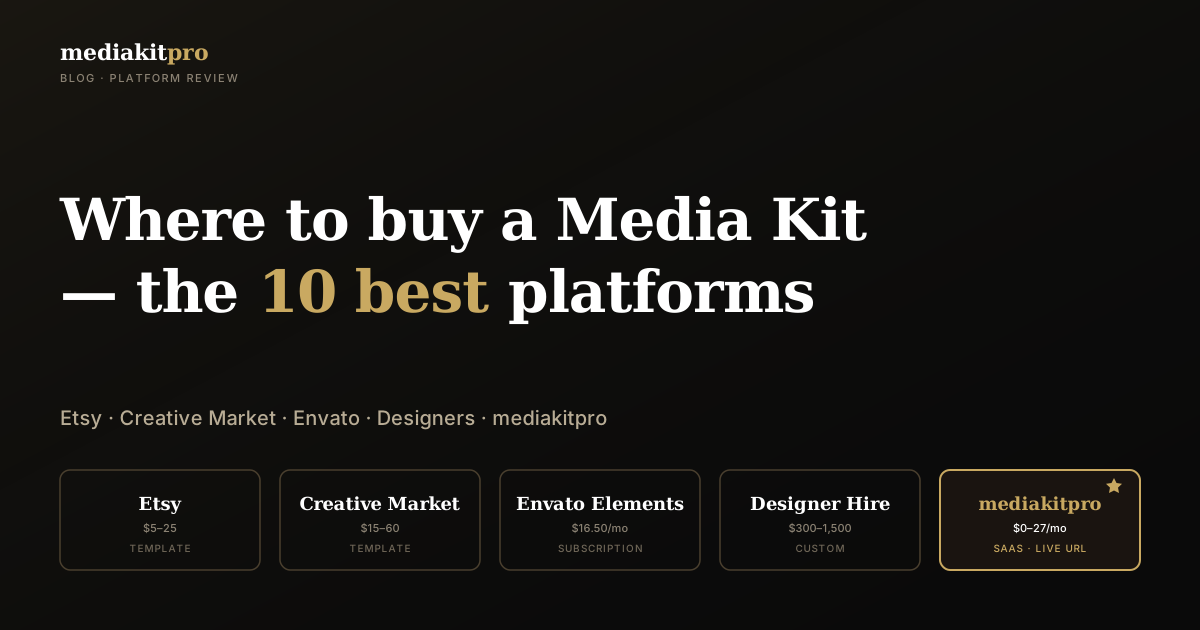
10 Best Platforms to Buy a Media Kit in 2026 (Reviewed)
Buy a media kit instead of building it from scratch: we reviewed 10 platforms in the US/UK market — Etsy, Creative Market, Envato, designer marketplaces, and SaaS. With comparison table, prices, and clear recommendations.
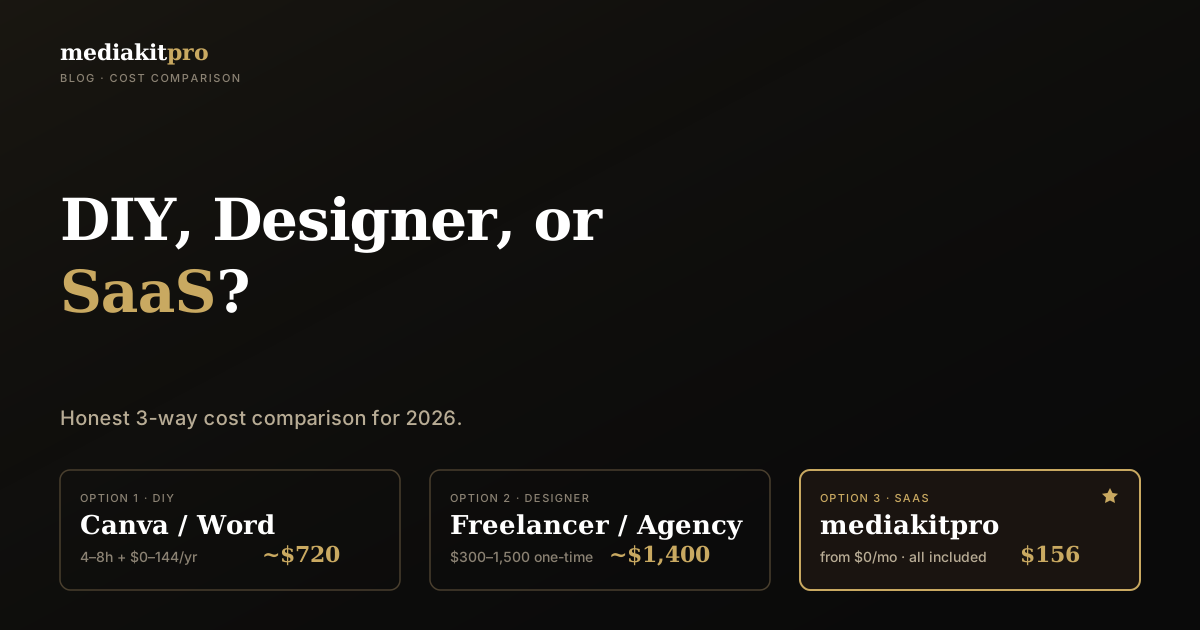
DIY vs. Designer vs. SaaS — The Honest Cost of Building a Media Kit
DIY, designer, or SaaS? Three paths, three price tags — and hidden costs nobody talks about. With three persona case calculations and a clear answer per profession.
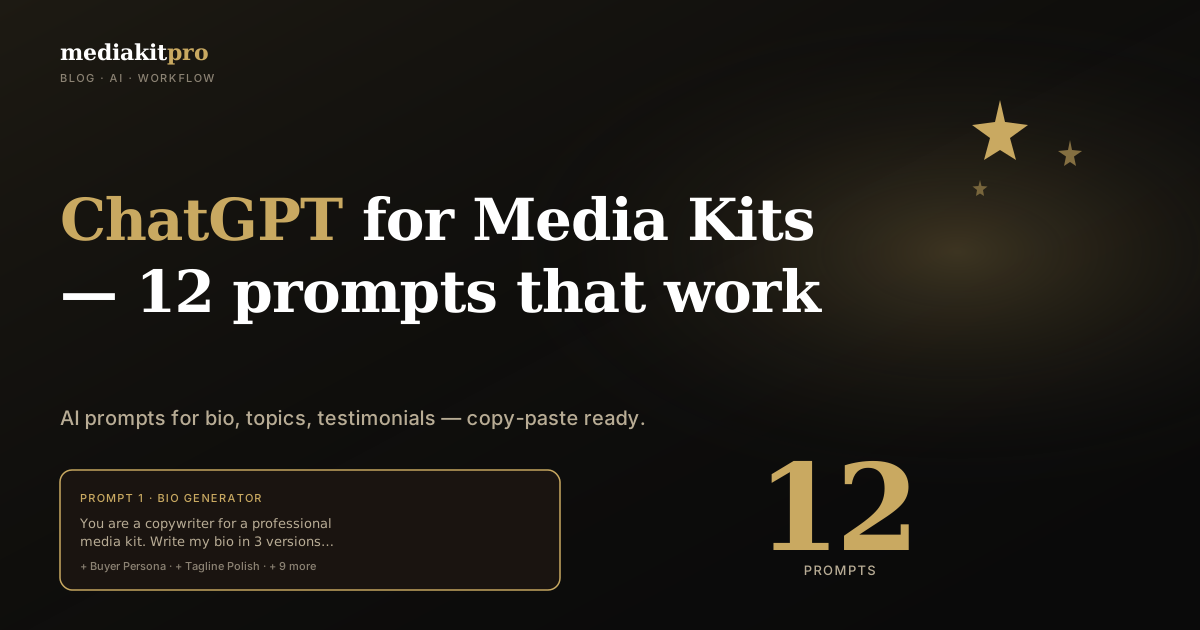
ChatGPT for Media Kits — 12 Prompts That Actually Work
AI is the best tool right now for media kit content. 12 ready-to-use ChatGPT prompts to copy — for bio, speaking topics, testimonial polishing, and more. Plus the most common pitfalls.